
DS-171 Wi-Fi Smart Dimmer Switch
The DS-171 is a wall-mounted Wi-Fi smart dimmer switch for compatible dimmable lights.
View product
DEVICE SELECTION
Choose a smart switch by function, wiring and load. Compare on/off switches, dimmers and scene controls, then check neutral availability, gang count, mounting format and protocol for the exact model.
Illustrative application scene
Compare four models for dimming, Matter integration, hand-wave control and radar motion sensing.
The DS-171 is a wall-mounted Wi-Fi smart dimmer switch for compatible dimmable lights.
View product
The DS-101MN is a square Matter touch light switch. The product image shows the single-channel faceplate.
View product
The DS-101KQL uses a hand-wave gesture to toggle lighting and has neutral and no-neutral wiring configurations.
View product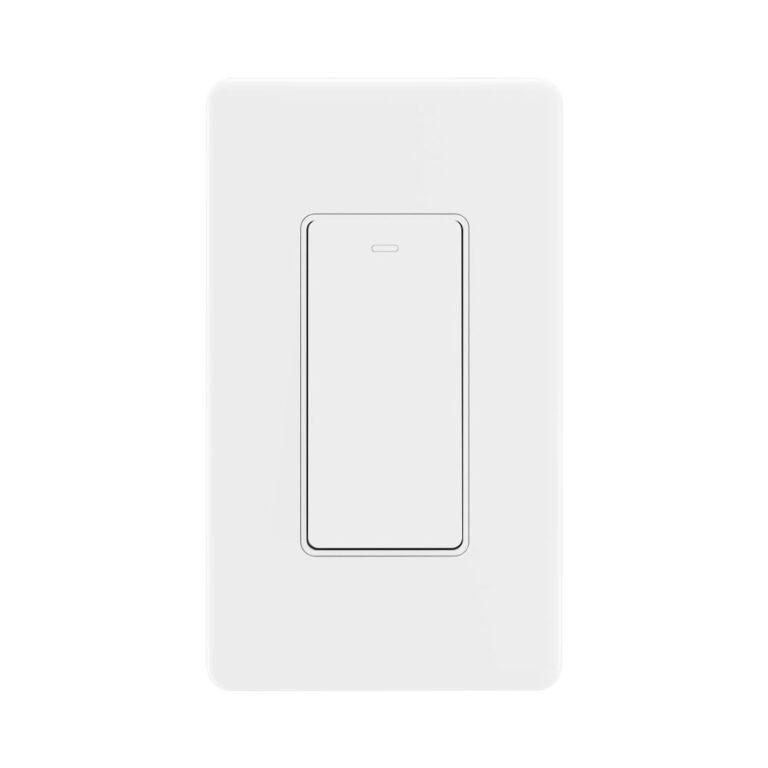
The DS-122JWN is a wall switch with radar motion sensing for projects that need an occupancy-triggered lighting control.
View productSelect the switch or panel around the circuits and controls each room needs.
Check the site network, control platform and model's wiring requirements before choosing a wall switch.
Confirm the gateway, network coverage and exact device compatibility with your integrator.
Check the lamp or driver, dimming method and minimum and maximum load before choosing a dimmer.
Have your installer confirm whether a neutral is present. Check the selected model's load and any bypass requirement.
Count circuits and control points separately. Map scene buttons to the functions and devices they should trigger.
Start with the exact lamp or LED driver and its dimming input. Match that input to the proposed dimmer and check the load and fixture count per circuit. Approve the lowest usable brightness on a project sample.
For compatible dimmable lighting. Ask for the dimming method and load limits of the exact version on your quote.
View productCompare phase-cut, 0–10 V and DALI requirements and prepare the approval schedule.
Discuss requirementsCheck the gateway and supported device list first. Put the required local light circuits and scene actions on separate lines of the room schedule, then check the wall box and neutral before choosing a switch.
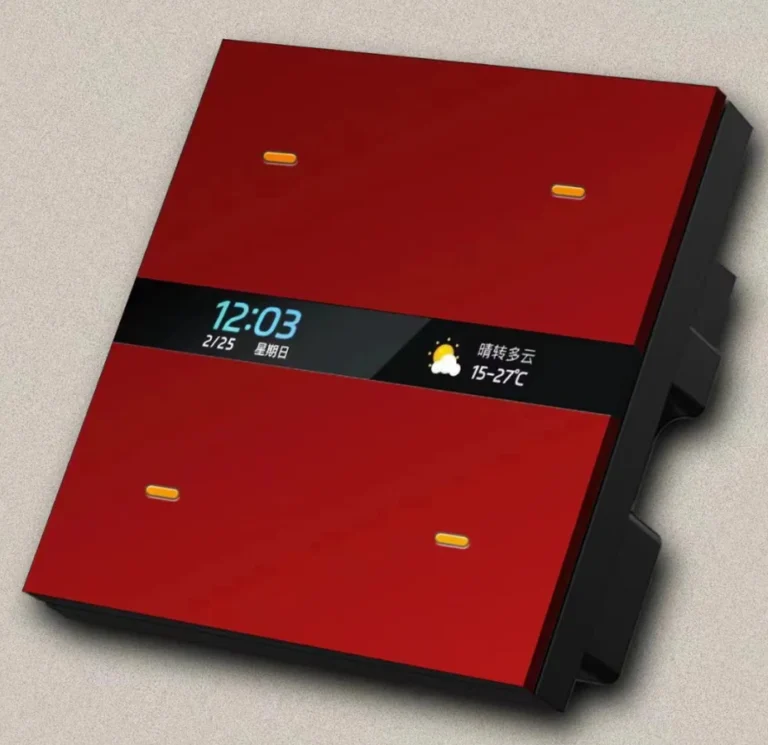
Physical buttons with a 0.96-inch display. Confirm which positions switch a load or trigger a scene on the quoted version.
View product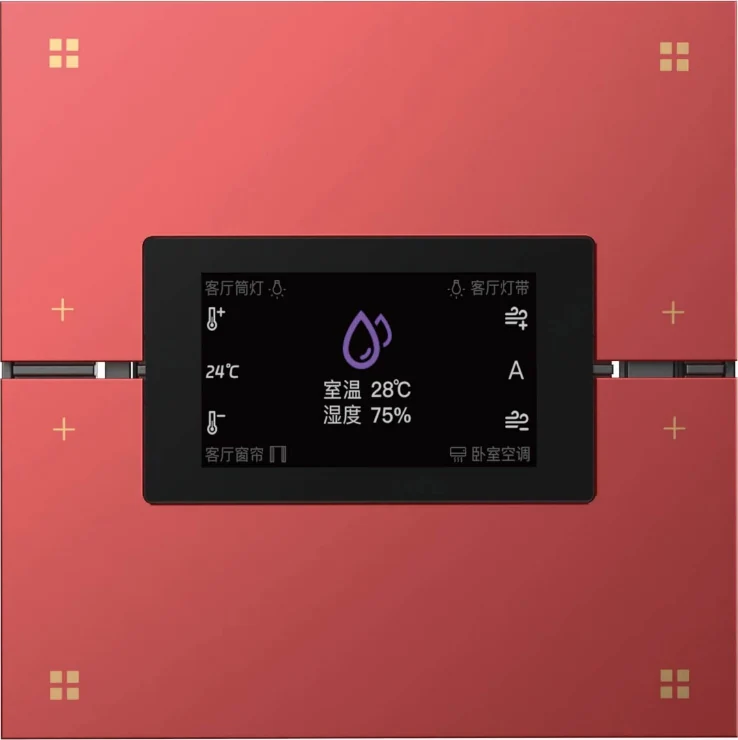
A 1.9-inch display and four local relay outputs on the published model. Confirm the supply, load limits and gateway for the order.
View productAgree what the wall controls and scenes should do when the internet or gateway is unavailable.
Discuss requirementsSend these details with your quote request.
Mark entrance, bedside and other switch positions and the required functions.
Ask the installer to confirm neutral availability, wall box format and circuit details.
Provide quantities by room type and any platform or network requirements.
Check the box dimensions and depth against the proposed device and confirm with your installer.
That depends on the specific model. Confirm the existing wiring before choosing one.
Start with the shape that matches your wall box, then check the wiring diagram, neutral requirement, gang count and supported load for the exact variant you order.

Square Matter touch switch. Check the mounting dimensions and variant wiring against your site schedule.
View product Square Matter touch switch. Compare the exact variant diagram and available conductors before choosing it.
View product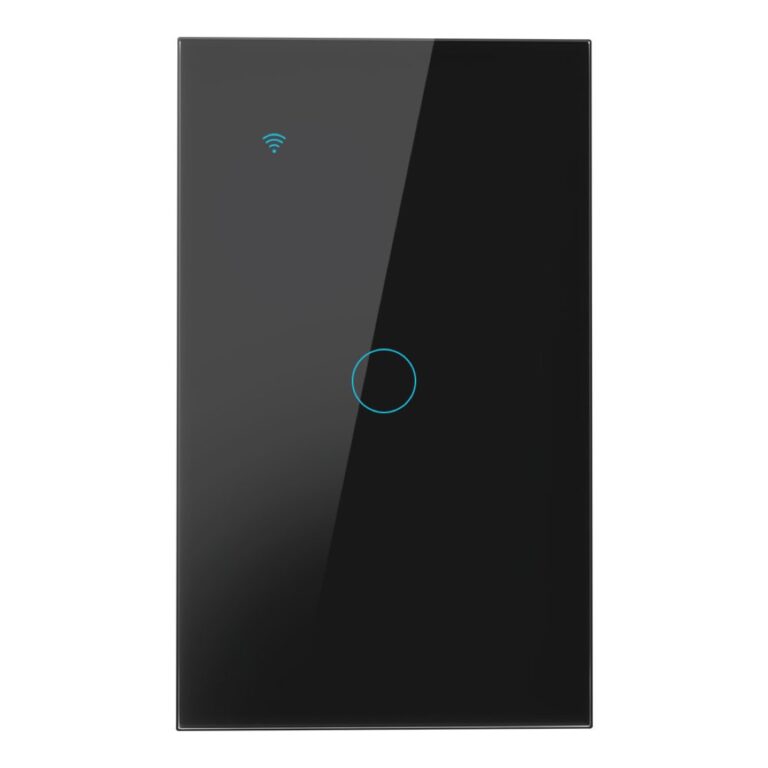
Rectangular Matter touch switch. Confirm back-box fit and the number of circuits needed.
View product
Rectangular Matter touch switch. Verify the installed conductors and the load on each required circuit.
View productUse these references to record the site supply, switch variant and lighting loads before approving a sample.
Compare nominal supply frequency and what to include in a switch schedule.
Discuss requirementsBrowse guides on wiring, load compatibility and smart-device selection.
Discuss requirementsCompare complete switches with modular assemblies, then confirm the box drawing and component schedule.
Discuss requirementsRead the marked load class and check the actual lights, drivers or equipment on each circuit.
Discuss requirementsChoose the number of independently switched lighting circuits before matching the Wi-Fi touch panel to the wiring and back box. Share each channel load and check neutral availability and the electrical rating on the exact model.
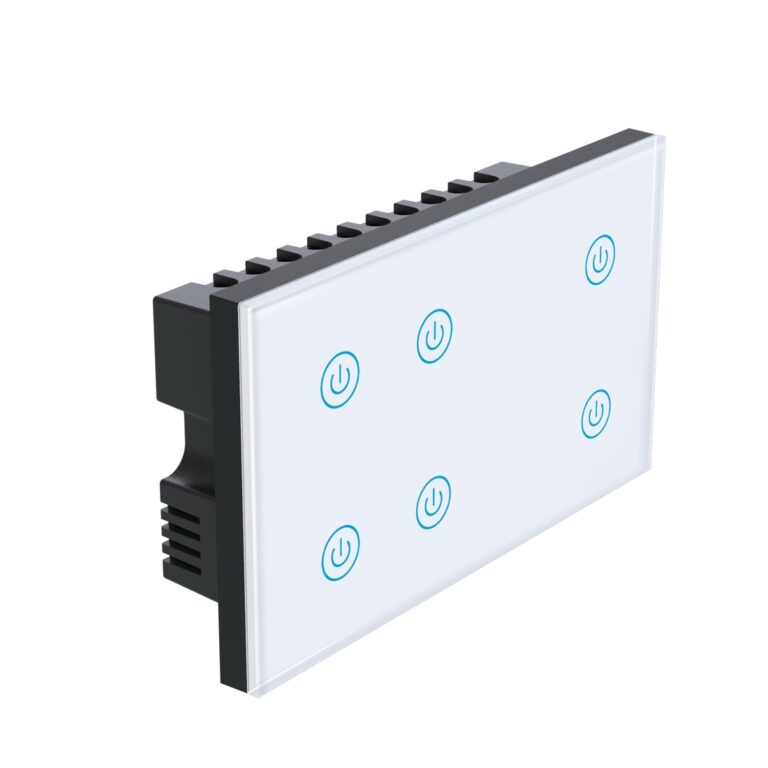
Six lighting circuits. Use a circuit schedule to assign each key and confirm the per-output load with the installer.
View product
Eight lighting circuits. Check the exact variant wiring and wall-box dimensions before planning a shared control point.
View product