Smart switches and scene controls
Compare Wi-Fi and Zigbee wall switches, dimmers, touch panels and neutral requirements.
Discuss requirements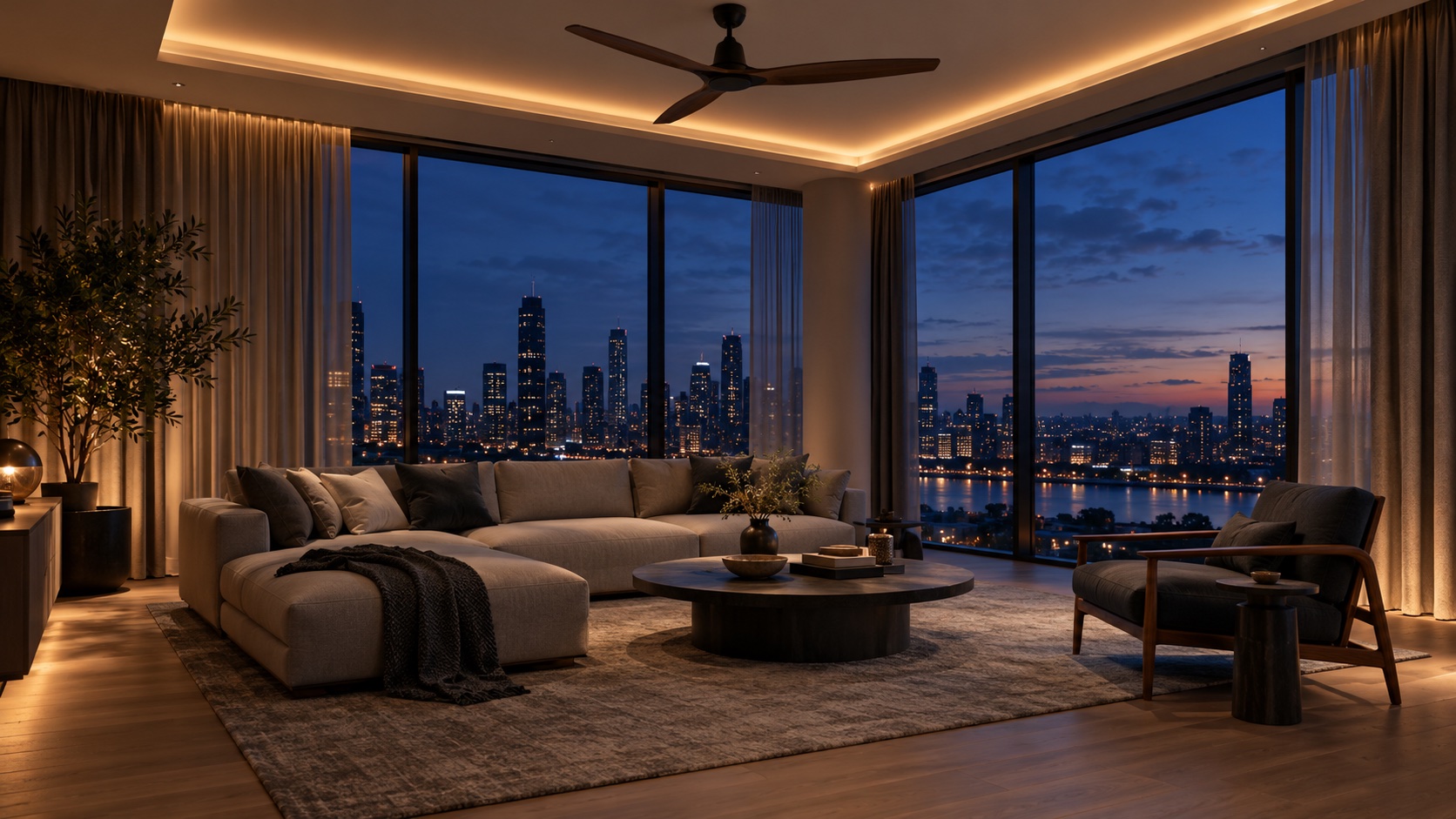
DEVICE SELECTION
Start with the function each room needs, then check the model, mounting format and connected load. Browse published models or share a room schedule for a shortlist.
Illustrative application scene
Compare the controls you need, then open the relevant category or model.
Compare Wi-Fi and Zigbee wall switches, dimmers, touch panels and neutral requirements.
Discuss requirementsCheck outlet format, wall-box dimensions, socket load and USB port type.
Discuss requirementsReview plug-in control for compatible devices and confirm the plug format and connected load.
Discuss requirementsCompare one- and two-auxiliary-channel fan controls by motor and circuit schedule.
Discuss requirementsIdentify the existing motor or controller interface before requesting a shortlist.
Confirm the platform, gateway requirements, network coverage and sensor placement.
See how the selection questions apply to different spaces.
Map entrance, bedside and lighting scenes.
Discuss requirementsReview existing wiring and room-by-room priorities.
Discuss requirements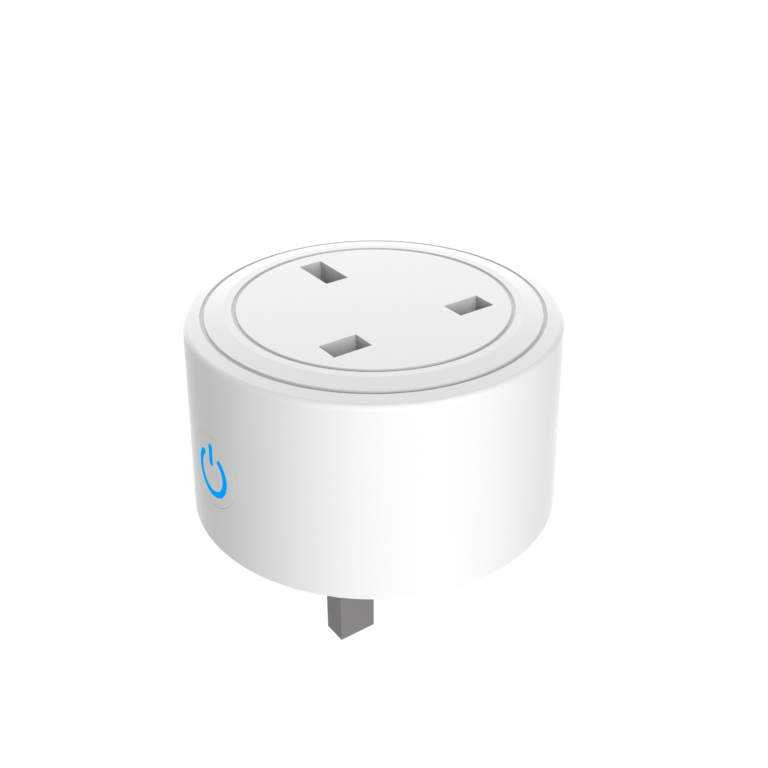
Single-outlet plug with a UK-style socket.
View product
Glass-fronted wall socket with two USB ports.
View product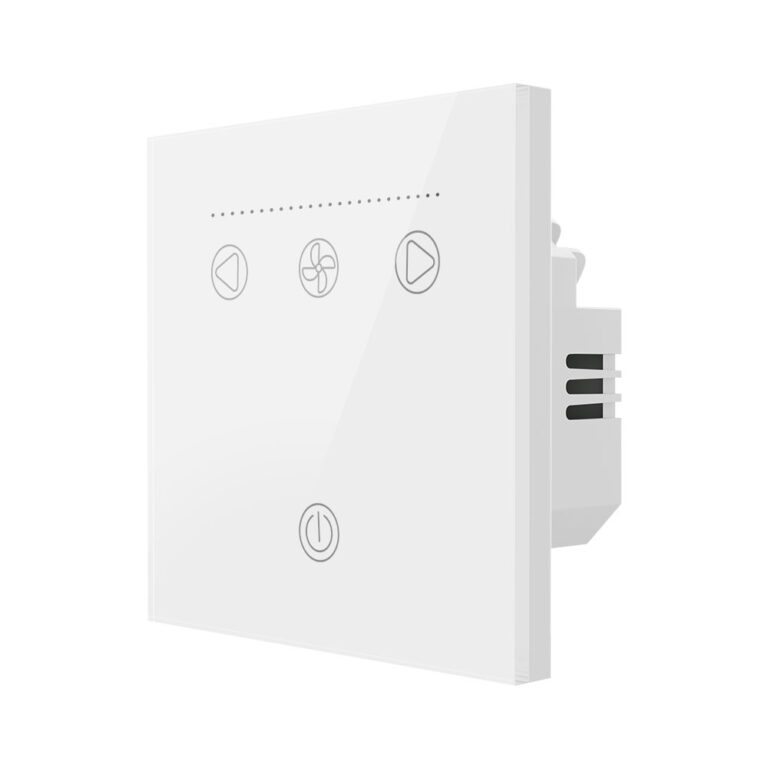
A wall-mounted touch control for ceiling fan speed with 1 auxiliary switching channel.
View product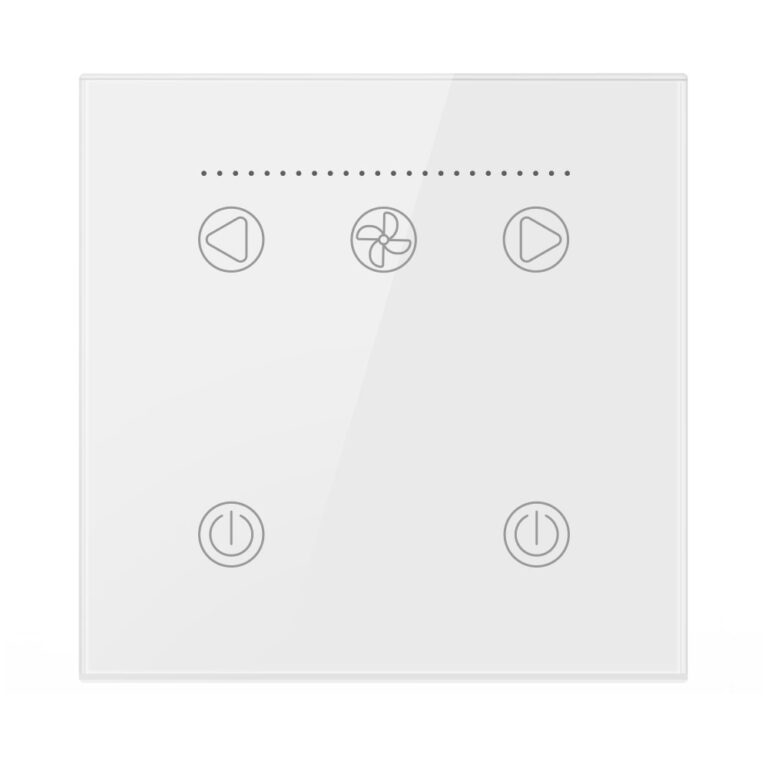
A wall-mounted touch control for ceiling fan speed with 2 auxiliary switching channels.
View product
The DS-171 is a wall-mounted Wi-Fi smart dimmer switch for compatible dimmable lights.
View product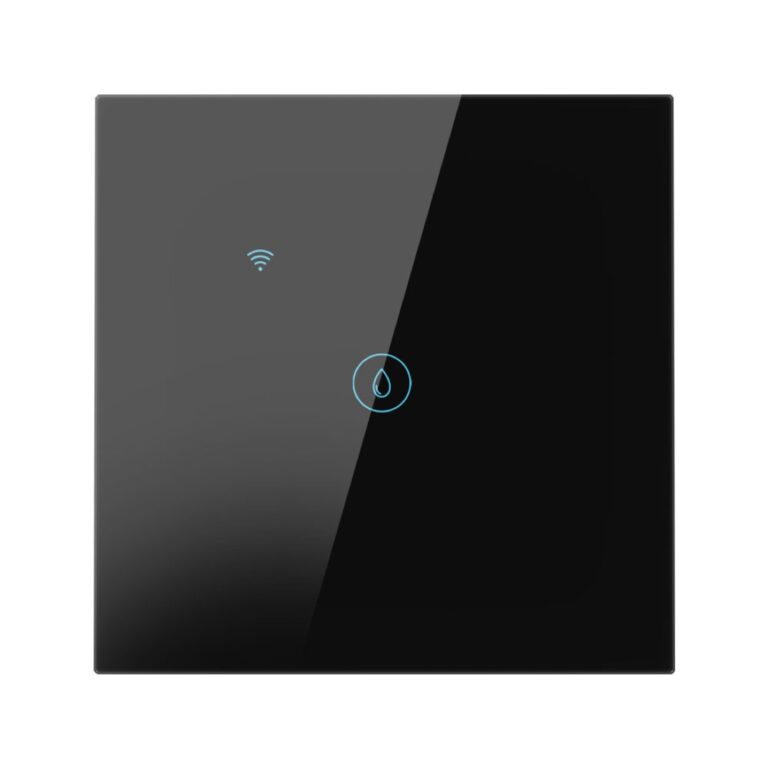
The DS-101GWN is a Wi-Fi touch switch for water heater control with scheduling and energy monitoring.
View product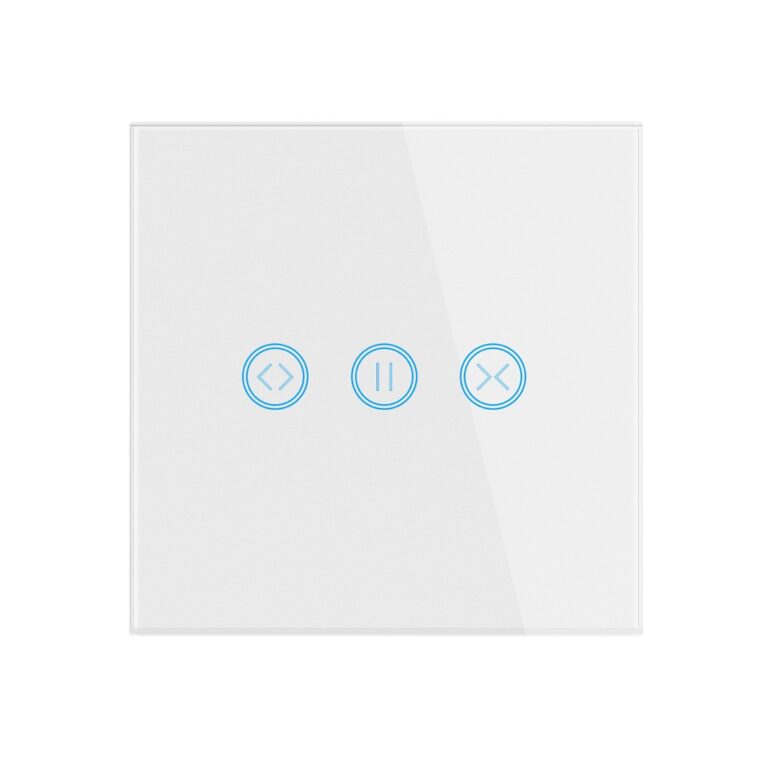
The DS-151 is a Wi-Fi curtain touch switch for compatible motorised curtains and blinds.
View product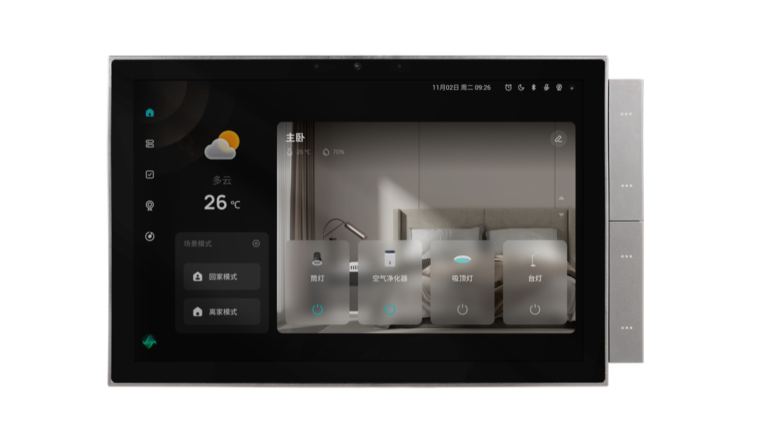
The TPA10-M2 range brings smart home controls to a wall-mounted touchscreen panel.
View product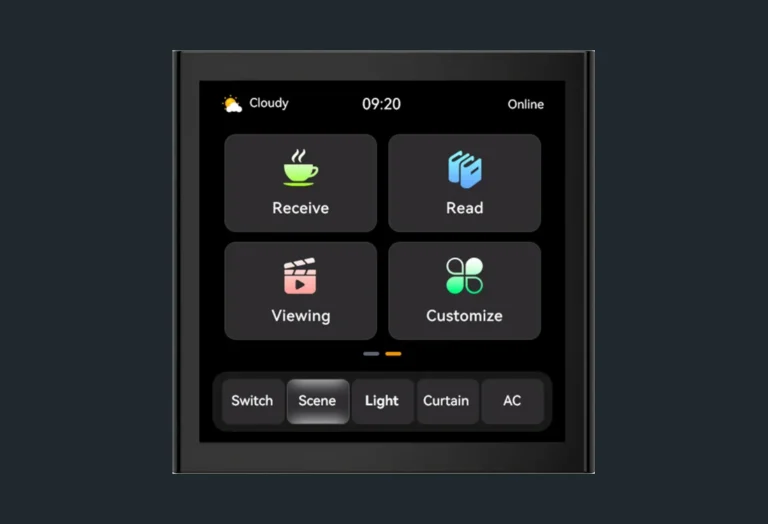
A wall-mounted Tuya Zigbee scene panel with four local relay outputs and up to eight configurable scenes.
View product
A wall-mounted touchscreen with a built-in Tuya Zigbee gateway, Wi-Fi and Ethernet for compatible smart home devices.
View productSPECIFICATION CHECK
Two devices can look similar while needing different wiring, loads or network equipment. Confirm these details against the exact model and your installer’s requirements.
Record the supply, neutral availability, wall-box dimensions and clearance. For multi-gang positions, list the circuits at each location.
Discuss requirementsList what each output controls. Include lamp or driver details for dimming and motor or fan information for moving equipment.
Tell us the app or system you intend to use, whether a gateway is already installed, and which functions need to work together.
Separate sample quantities from the proposed order. Identify a representative room or installation for testing.
Discuss requirementsCompare the published models by device type and project requirements.
Compare Wi-Fi, Matter and motion-sensing wall switches by circuit count, faceplate format and wiring requirements.
Discuss requirementsCompare Wi-Fi touch controls and double-pole water heater switches with local timing options for project procurement.
Discuss requirementsReview Wi-Fi wall switches for compatible motorised curtains and blinds in hotel rooms and apartments.
Discuss requirementsExplore wall-mounted touchscreen controls and compare regional variants for smart home system planning.
Discuss requirementsUse one row per control point. Record the room, function, exact load or motor, wall-box dimensions, wiring and desired protocol. Mark each version for sample approval before specifying it for the rest of the project.
Check gang count, back-box fit and wiring on the exact switch model.
Discuss requirementsUse a representative room to verify daily operation and plan handover.
Discuss requirementsSend a room plan or device schedule with the destination country, functions and quantities. Include the wall-box and wiring details you have so we can discuss suitable models and samples.
Attach your schedule or share a short brief if the final list is still being prepared.
Send your device schedule